![Kairos H 192.png]](https://kb.meetkairos.com/hs-fs/hubfs/Kairos%20H%20192.png?height=50&name=Kairos%20H%20192.png)
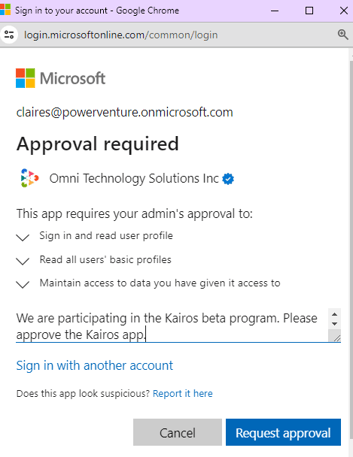
When you sign up for Kairos, you might not be able to finish the sign-up process if you don’t have Microsoft Admin permissions. In this case, send a request for admin approval.
Step 1
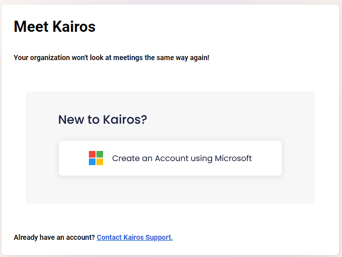
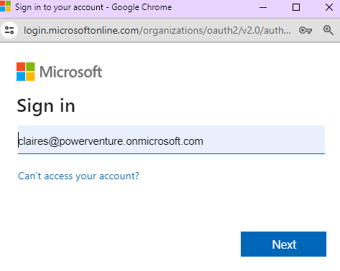
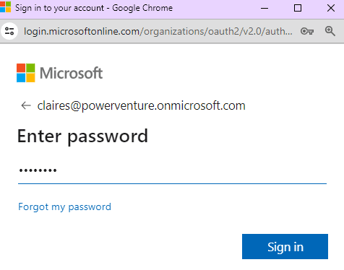
Log in to the Kairos registration page using your Microsoft credentials.
Step 2
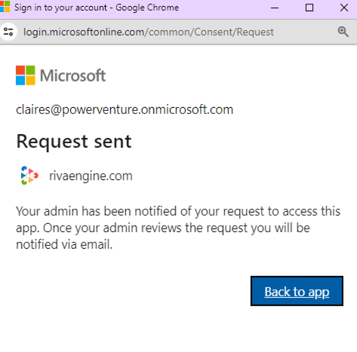
Send a request for admin approval.
Step 3
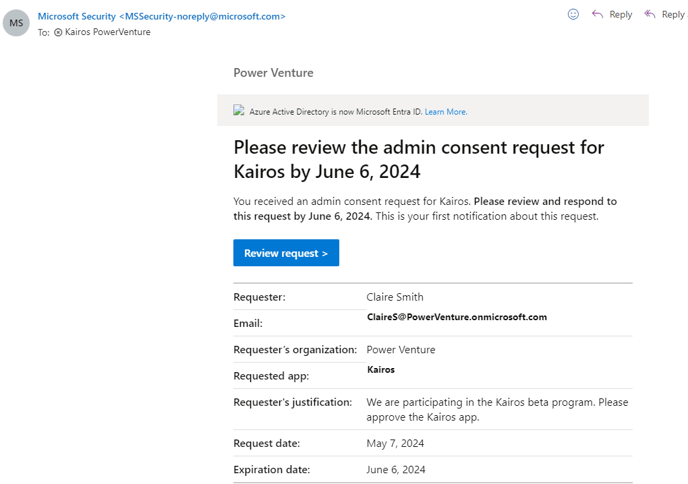
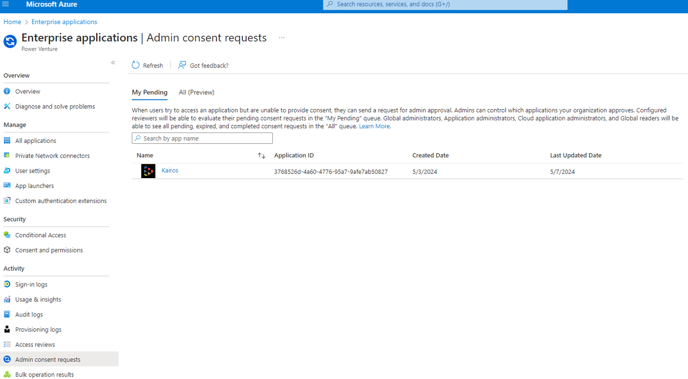
Your admins will receive an email. Or, they can sign in to the Microsoft Enterprise admin center and browse to Identity > Applications > Enterprise applications. In Enterprise Applications, browse to Activity > Admin consent requests. Find the "Kairos" app in the list.
Step 4
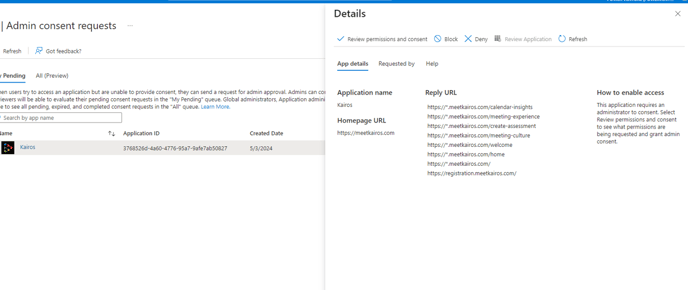
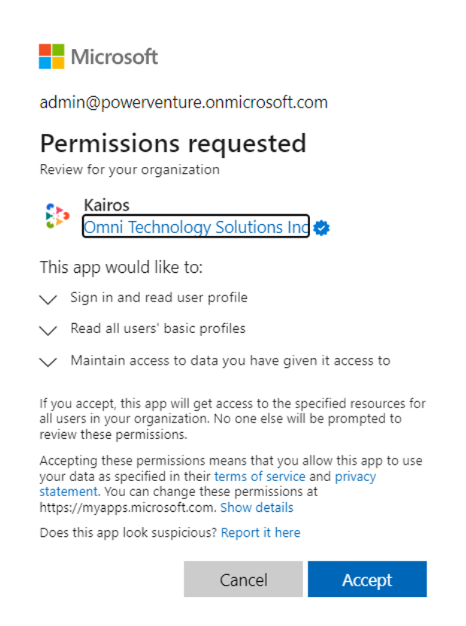
Click on the Kairos app and select "Review permissions and consent".
Step 5
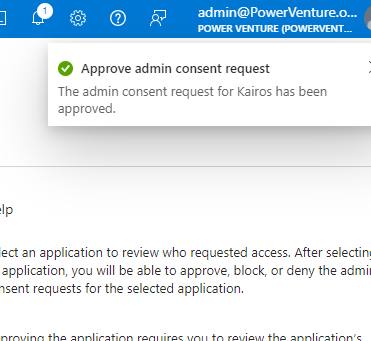
Once the Kairos app is approved, you can proceed to the Kairos registration page and complete the sign-up process.